Before you start
You need a list of fittings you trust more than a blank corridor. Without one, you will miss a store room.
- A living site register (the fitting list you update between visits instead of rewriting from scratch) — or at least last month’s list with locations.
- Access to the test key, inhibit switch, or central test facility for that installation.
- Somewhere to note failures by ID or location before you restore supply.
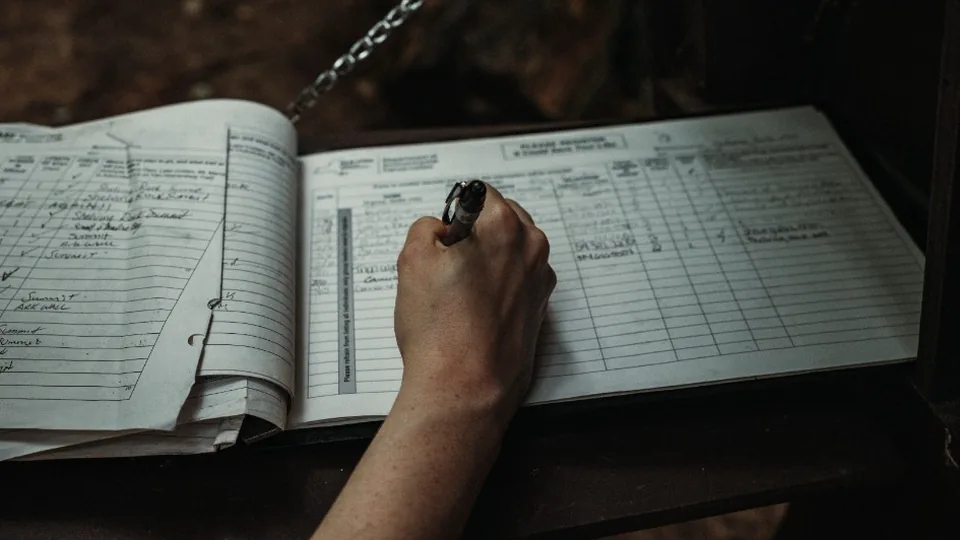
- The site logbook (or digital equivalent) ready for the entry.
Step by step
- Simulate mains failure with the test key, inhibit switch, or central test facility — whichever that building uses. You are putting the emergency fittings onto battery, not killing the whole site’s lights unless that is how the system works.
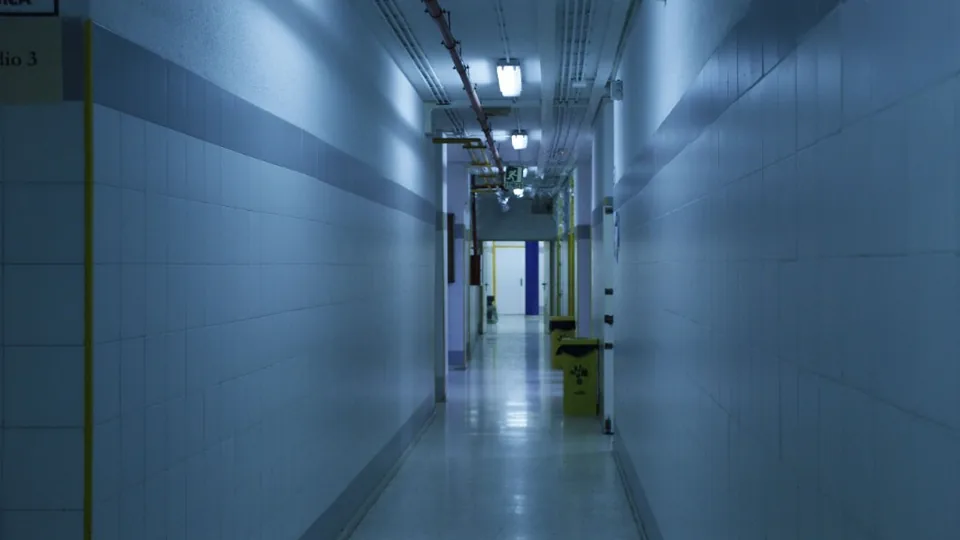
- Walk the route. Check every luminaire and illuminated exit sign on the register. Do not skip plant rooms, cupboards, or late additions that never made it onto last year’s spreadsheet.
- Confirm each fitting lights and looks normal — not dim, flickering, or missing a head. Seconds are enough; you are proving it comes on, not running a duration test.
- Note failures immediately by location or fitting ID. Do not rely on memory after you restore supply.
- Restore mains / cancel the test. Confirm the system is back to normal operation.
- Record the outcome in the logbook — date, who tested, pass or failures listed, any remedial action arranged.
Keep it short
Function only
Brief flick — confirm every fitting comes on. Leave duration to the annual.
Leave a trail
Logbook entry
Date, tester, result. Gaps between annuals are still a compliance problem.
What “pass” looks like
- Fitting illuminates promptly when put onto battery.
- Light looks steady and adequate for that fitting’s purpose — not obviously dim or flickering.
- Exit signs show the legend clearly; no missing or dead sections.
- After restore, the fitting returns to its normal (mains) state as expected.
Anything that fails gets logged and fixed. A fitting that “usually works” but failed today is a fail — record it.
What not to do
- Do not leave fittings on battery for ages while you chat or hunt for a key. You will drain packs that need to be ready for a real emergency.
- Do not skip rooms because they are locked or awkward. Arrange access or note the omission — an incomplete test is not a clean pass.
- Do not treat the monthly as a three-hour duration test. That is a different job — see how to run an annual duration test.
- Do not leave without writing it down. If it is not in the logbook, next month’s tester (and the inspector) will assume it never happened.
What to record
For a routine monthly, the logbook is usually enough. Note:
- Date and that it was a monthly function / flick test
- Who carried it out
- Clear pass, or failures listed by ID / location
- Remedial action and when it will be (or was) completed
Some clients want a visit report every month as well. Ask them. Free blank forms live on our templates page if you still work on paper.