
Before
Plan the window
Full rated duration, recharge afterwards, access, and a register you trust.
During
Check mid-run
Failures at two hours are common — do not only look at the start.
Before
- Confirm the rated duration for this installation — typically three hours for commercial premises.
- Book a window that covers the full run and recharge time afterwards. Occupiers need to know emergency lighting will be under test.
- Start from a living site register (the fitting list you update between visits instead of rewriting from scratch), not a blank round of the building without a list. Open defects from monthly tests should already be on the list.
- Know how you will put the system onto battery (test facility, inhibit, key switches) and how you restore it.
- Have a way to note which fitting failed and at what time — notebook, phone, or app. Do not rely on memory alone. at hour two.
During
- Simulate mains failure / start the duration test as the system requires.
- Check the fittings early in the run to confirm they came on. Note anything that is already dead or obviously wrong.
- Check again mid-test — and toward the end of the rated period. Batteries that pass a flick test often die after an hour or two.
- For each failure: fitting ID or location, time into the test, and what you saw (dead, dim, cut out).
- Keep the rest of the installation under test as planned. One failed fitting does not cancel the annual for the building — but it must be recorded and remediated.
After
- Restore supply and allow recharge as the manufacturer / design expects.
- Update the logbook with date, tester, duration, results, and remedial actions.
- Issue the visit paperwork and update the site certificate so the building file matches what you just tested on site — see below.
- Schedule retests for failed fittings once they are repaired.
What usually fails
- Weak batteries — pass the monthly flick, die mid-duration.
- Fittings missing from the list — never tested because nobody covered that zone.
- Open defects from earlier months — still on the wall, never fixed, still on the certificate if you are not careful.
- Only checking at the start — the annual is a duration test; the clock matters.
Paperwork after the annual
Most annual visits need three things: a visit report for this test, an updated site certificate for the building, and a logbook entry. See visit report vs certificate vs logbook if those get mixed up.
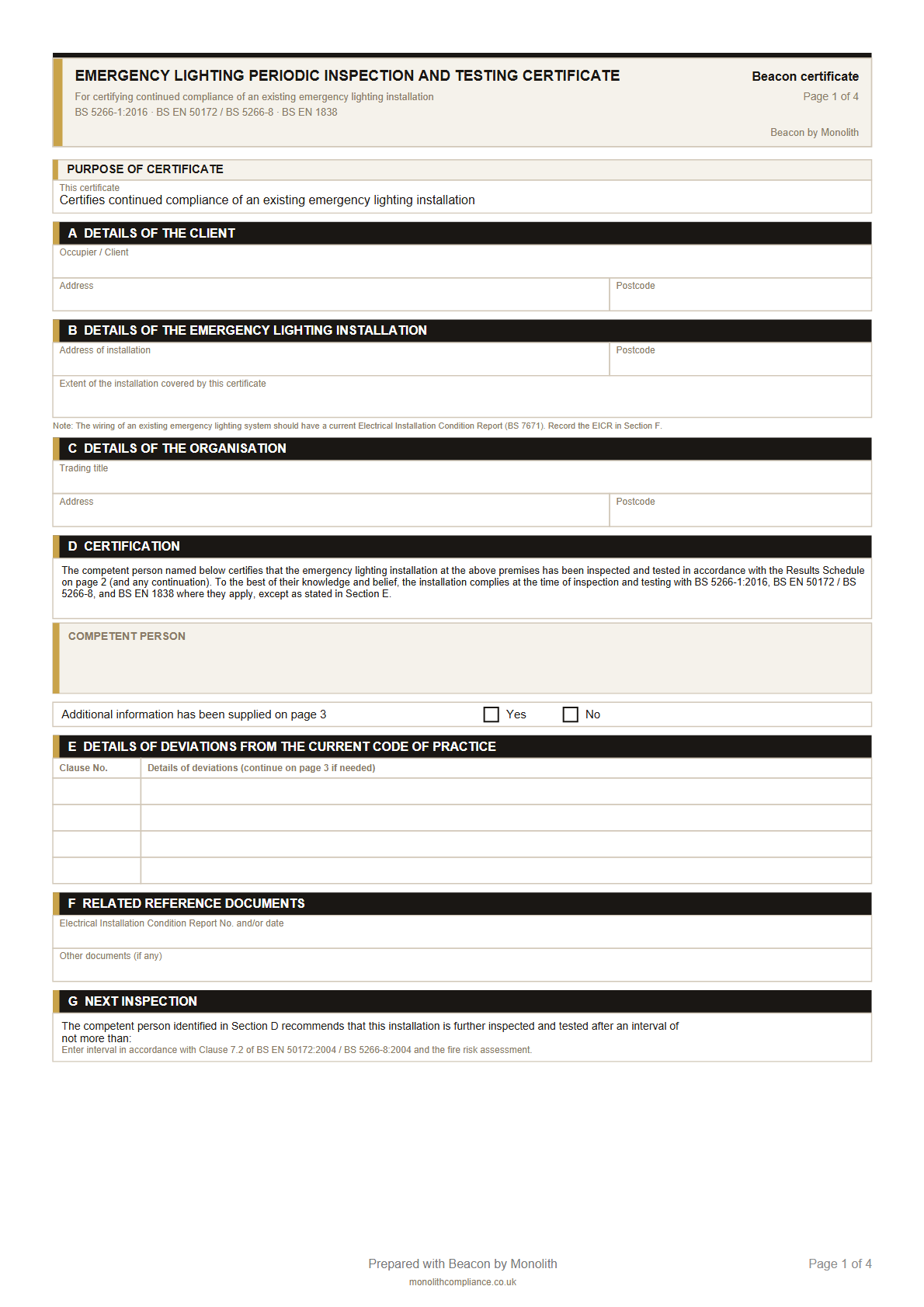
Free templates
Blank visit report & site certificate
Print, fill in after the annual — no signup.