
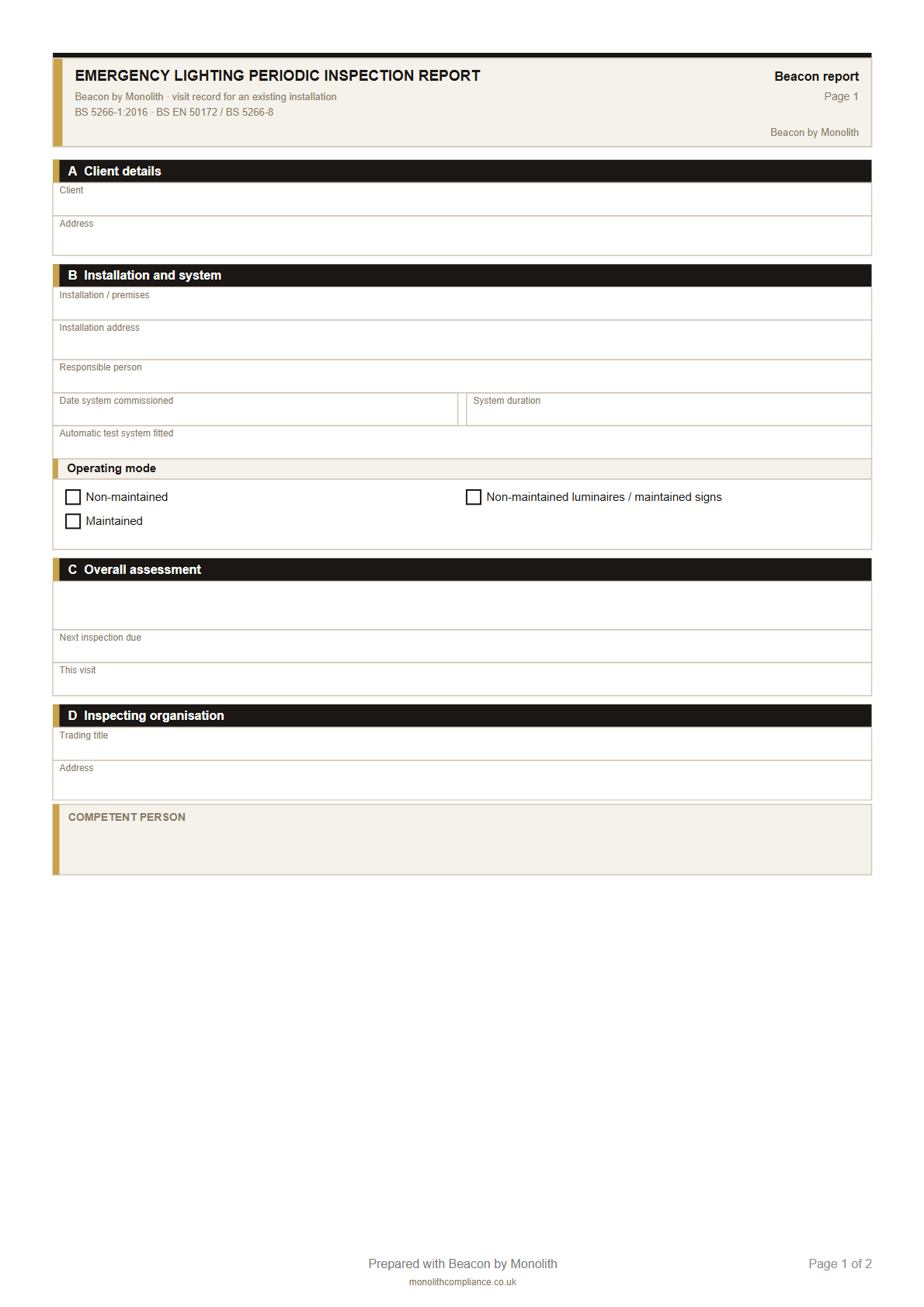
Visit report
Periodic Inspection Report
Hand this over after a monthly or annual test. Two pages covering what you checked, what failed, and who signed it off.
BS 5266 · Free downloads
Last updated 23 August 2026
Free blank PDFs for UK emergency lighting tests. One to hand over after a visit, and one site certificate for the building. Print them, fill them in, and leave them with the client — no signup.
Visit report
Hand this over after a monthly or annual test. Two pages covering what you checked, what failed, and who signed it off.
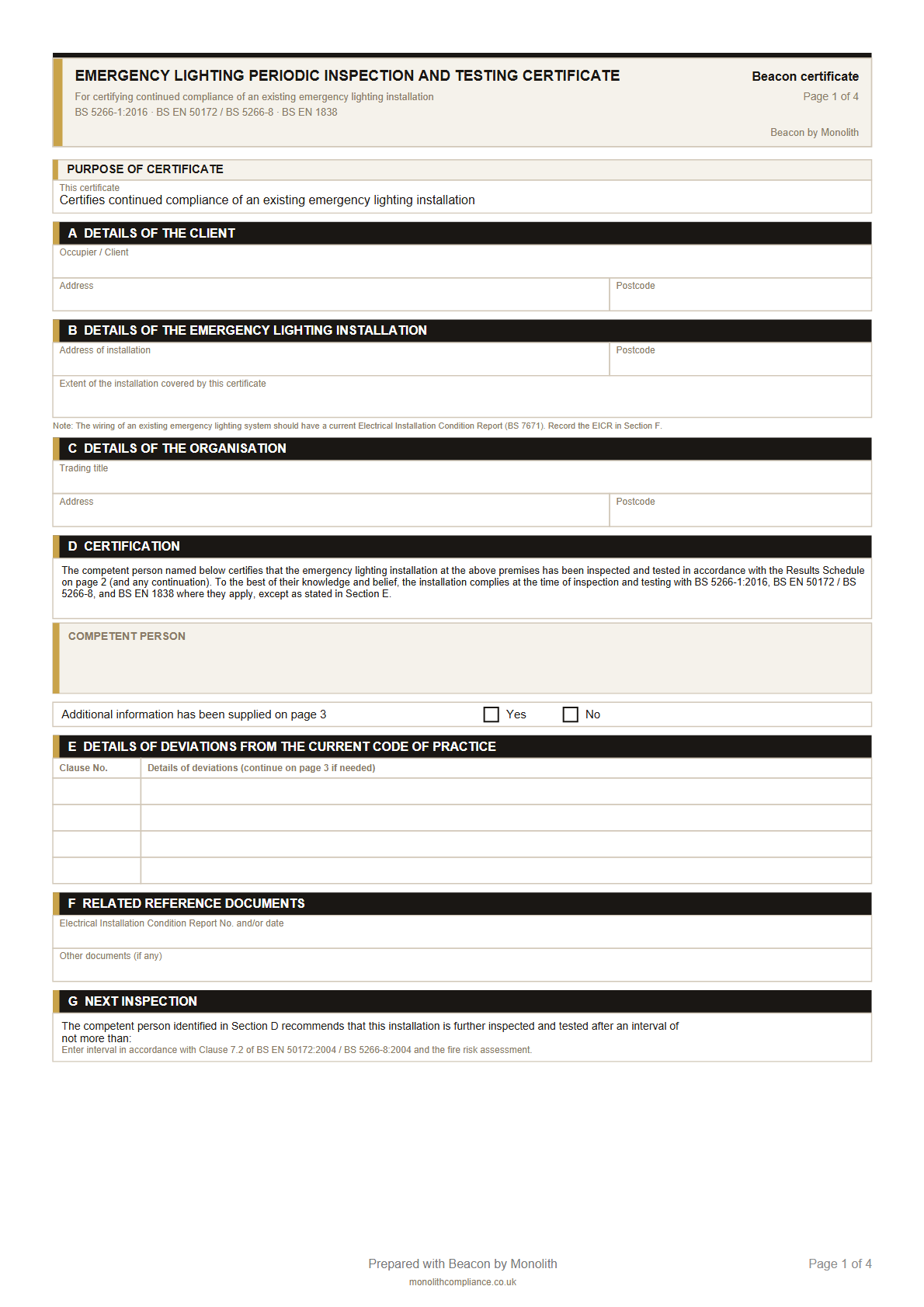
Site certificate
The site certificate for an existing installation. Four pages covering the client, the building, and the inspection results.
Most contractors use both. The visit report is what you leave after a test. The site certificate is the record for the building.
After a monthly flick test or annual discharge. What was tested, what failed, when you are next due, and your signature.
Get the visit reportFor the installation as a whole — client, building, inspection results, and when the next inspection is due. Not for brand-new work.
Get the site certificateYes. Both PDFs are free, with no signup. They are blank forms for you to fill in — not certificates issued by Beacon.
The visit report is what you hand over after a test. The site certificate is the record for the building, kept with the emergency lighting logbook — often alongside those visit reports. Full guide: visit report vs certificate vs logbook. What each logbook entry needs: emergency lighting logbook (UK).
They follow the same layout as Beacon’s BS 5266 paperwork, so the fields your clients expect are there. You and the duty-holder stay responsible for the work itself.
Yes. After a test, Beacon completes the same visit report and site certificate from the fittings on site — already filled, signed, and on record. Free in open beta. More on emergency lighting test software.
From the visit
These downloads are blank. After a site visit, Beacon completes the same paperwork from the test you just did.
No card · Free in open beta